Stock and sales for small shops.
Know every sale in your shop, even when you're not there.
Snap a photo, print a QR label, scan to sell. StockSnap keeps count for you.
Free during beta · iPhone and Android
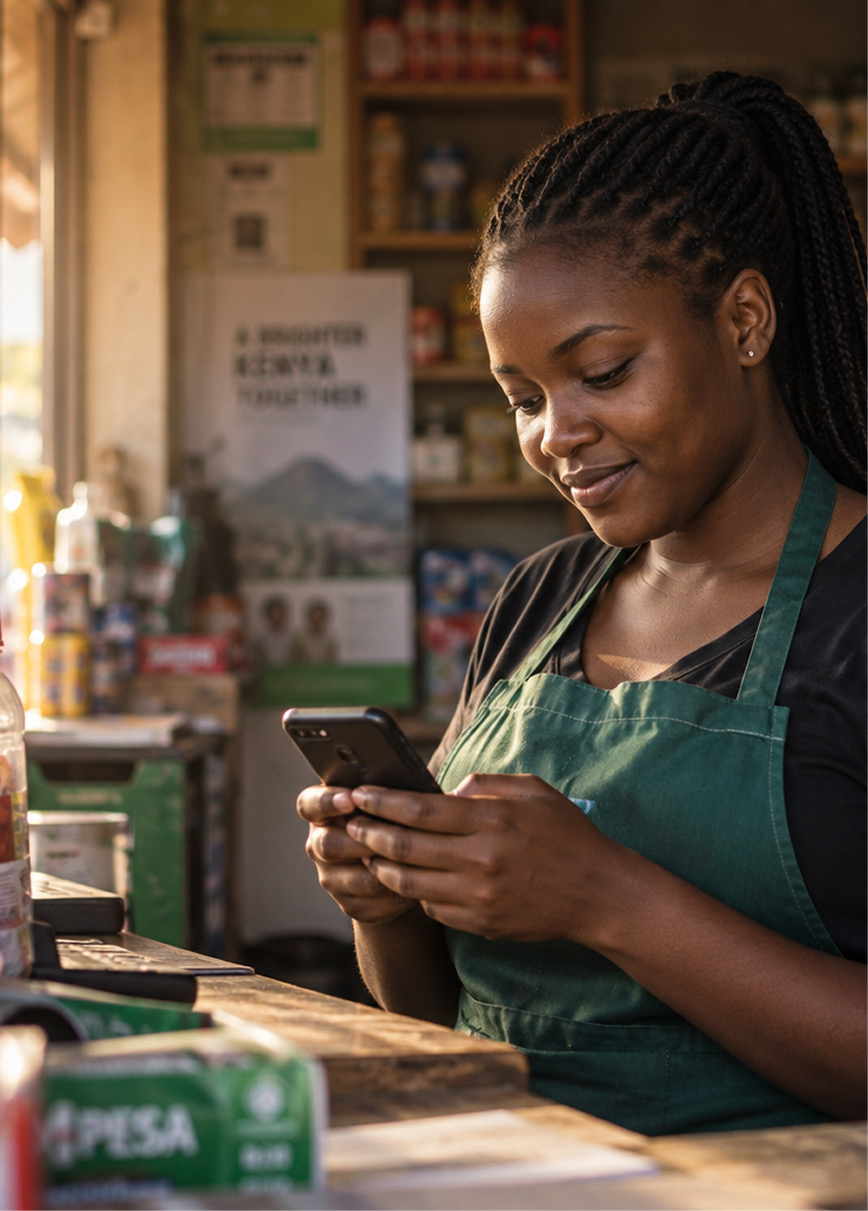
- AI photo listing
- QR labels
- Scan to sell
- Owner dashboard
- Cash & M-Pesa
- Low-stock alerts
- Floor price protection
- Duplicate check
- Specs lookup
Running a shop you can't always be in
Skimming
When you're away, you have to trust that every sale reaches the till. That's hard to check.
Not knowing what sold
You can't see what sold today or what's left on the shelf until you're back in the shop.
Barcodes that don't fit
Most point-of-sale systems need barcodes. Mitumba and loose hardware often don't have one.
Three steps, from shelf to sale
Snap
Photograph an item. AI fills in its name, description and category.
Label
Every item gets its own short code and a QR label, like SS-0142.
Scan to sell
Scan items into a cart and record the sale in one step.


What you get today

AI listing from a photo
AI fills in the name, description and category. It reads the brand and model only when they are printed on the item.
Its own codes
Every item gets a short code and a QR label.
Scan to sell
Attendants scan items into a cart and record the sale in one step.
M-Pesa or cash
Take payment by M-Pesa or cash. Cash shows the change due.
Price protection
A floor price stops items being sold too cheaply. The cost price is never shown at the till.
Owner dashboard
Live revenue, recent sales and low-stock alerts, from anywhere.
Specs lookup
One tap looks up manufacturer specs for branded goods.
Duplicate check
It warns you when a product is already in stock.
Small shops in Kenya
Especially if you're not in the shop every day.
- Thrift stores
- Phones and electronics
- Spare parts
- General dukas
- Second-hand shops

Free while we're in beta
Free during beta
You can use StockSnap at no cost while it is in beta.
Planned plans, after beta
Business
KES2,950/ month
- 1 shop
- Up to 5 attendants
- 60 spec lookups a day
- M-Pesa payment prompts
Prices may change before launch. Beta users get notice before any charge.
Questions you may have
Which phones does it work on?
StockSnap works on iPhone and Android.
Who can see my shop's data?
Only you and the people you add. It is stored securely with our cloud provider, and we never sell personal data.
How do M-Pesa payments work?
Today, you record the M-Pesa code when you make a sale. Payment prompts sent straight to the customer's phone are coming soon.
What happens after the beta?
We plan to offer the plans above. Prices may change before launch, and you will get notice before any charge.
Do I need barcodes or special hardware?
No. A phone is enough. StockSnap makes its own codes and QR labels. A Bluetooth label printer is optional and coming soon.